Students
A student records a study explanation or seminar note and needs searchable text for revision.
For longer recordings, an mp3 audio to text converter online free can create a starting transcript before key facts are checked.
Spoken words, ready
A voice to text converter online free can turn a recording, dictation, or conversation into editable text. Start with a short sample, then check names, numbers, and punctuation before you reuse the result.

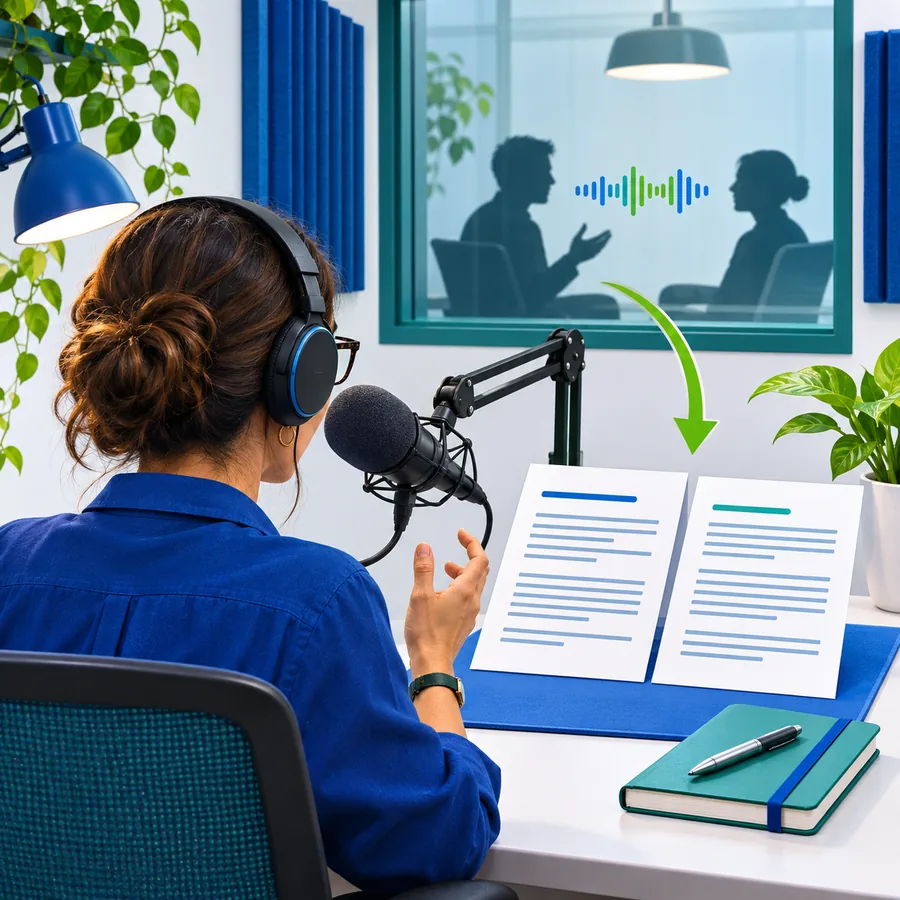
See the change
The source is continuous sound; the result is a structured text record. Comparing both sides makes it easier to spot where meaning, timing, or emphasis may have shifted.


Voice input
Drag the divider to compare the source and the converted record.
Text output
Format check
Conversion preserves the words it can recognize, but a text file does not carry every quality of the original voice. Use this comparison to decide what needs a second listen.
| Voice recording | Converted text | |
|---|---|---|
| Primary information | Words, pauses, volume, tone, and timing | Recognized words arranged as readable text |
| Speaker identity | Voice, accent, and vocal character remain audible | Speaker labels may need manual confirmation |
| Pauses and emphasis | Naturally present in the audio | Often represented imperfectly by punctuation |
| Searchability | Requires listening or a separate index | Words can be scanned and searched quickly |
| Names and numbers | Can be replayed in the original context | May need spelling and digit checks |
| Background sound | Noise, music, and interruptions remain available | Noise can cause omissions or substitutions |
| Editing | Requires trimming or replaying sections | Can be copied, corrected, and reorganized |
| Evidence for review | Best source when wording is uncertain | Useful draft, but not automatically a perfect record |
Try a real input
These examples show prompts that describe the desired treatment of spoken content. Adapt the wording to your recording, audience, and preferred level of cleanup.
Transcribe this voice note exactly, then place each separate idea on its own line.
 Notes
result
Convert this meeting recording into a concise list of decisions, owners, and next steps.
 Meeting
result
Transcribe this spoken idea and lightly edit repeated words while keeping the original meaning and tone.
 Draft
result
Use one prompt for accuracy, then a second pass for structure or light editing.
Useful in context
The best result depends on how the converted text will be used. Each workflow starts with a different source and ends with a different review standard.
A student records a study explanation or seminar note and needs searchable text for revision.
For longer recordings, an mp3 audio to text converter online free can create a starting transcript before key facts are checked.
An interviewer captures answers in the field and wants a draft that can be searched by topic.
An mp3 audio to text converter online free can help organize recorded interviews before quotes are selected and verified.
A creator speaks a rough script or episode idea instead of typing it from scratch.
Using an mp3 audio to text converter online free gives the spoken draft a text form that can be edited into a script.
A team member dictates a recap after a call while the details are still fresh.
An mp3 audio to text converter online free can turn the recording into a reviewable draft for action items and follow-up.
Simple review flow
Conversion is the first pass, not the final authority. A short review catches the errors most likely to change meaning.
Use a focused recording or dictate in short sections. Reduce competing speech and background noise where possible.
Replay uncertain phrases and compare names, dates, figures, and technical terms with the original voice.
Add headings, correct punctuation, identify speakers, and remove filler only when the intended meaning stays intact.
Output examples
A converted draft can stay close to the source or become a more organized working document. The input and caption show the intended treatment.
Verbatim
Structured
Polished
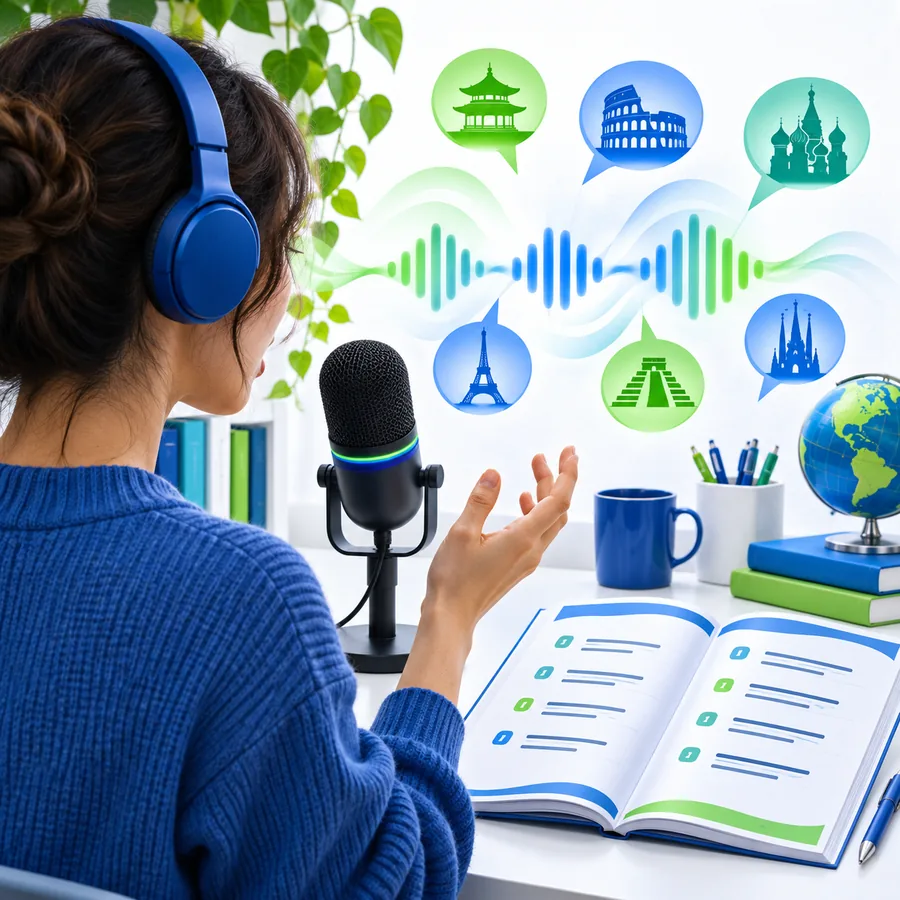 Outline
Make the first draft
Bring a short voice note, meeting excerpt, or spoken idea and use the converted result as a draft. Check the details that matter, then shape the text for its final purpose.
Variant FAQ
It is a tool that analyzes spoken audio and produces written text from the words it recognizes. The result is usually a draft that should be checked against the original recording when accuracy matters.
Yes, a voice recording can be used as the source for a text draft when the tool accepts that type of input. Clear speech, limited background noise, and shorter sections generally make review easier.
No conversion is guaranteed to capture every word, name, number, accent, or speaker change correctly. Listen back to uncertain passages and correct the transcript before treating it as a final record.
Check proper names, dates, figures, technical vocabulary, negations, and any sentence where the context feels unclear. Also review punctuation and speaker changes if the text will be shared with other people.