Interviewers
You have a recorded interview and need a readable first pass before selecting quotes.
The transcript gives you searchable language to review, while live speech to text is better when words need to appear during the conversation.
Audio to text
Use spoken recordings as a starting point for notes, drafts, interviews, and summaries. This route focuses on turning captured speech into text you can review and reshape.
Choose the right route
Both routes begin with spoken language, but the intended next step is different. Choose transcription when you already have captured audio and want a text record to inspect.
You have a recorded interview and need a readable first pass before selecting quotes.
The transcript gives you searchable language to review, while live speech to text is better when words need to appear during the conversation.
A lecture or study recording needs to become structured notes rather than remain an audio file.
Transcription creates text you can highlight, reorganize, and compare with your own notes; live speech to text suits real-time capture in class.
A spoken idea, podcast segment, or voice memo needs to become a draft for editing.
The transcript separates the raw wording from the later editing pass, while live speech to text helps when drafting as you speak.
Recorded conversations contain details that must be checked repeatedly without replaying the entire file.
A text version makes review and quotation easier, while live speech to text is designed for words appearing as the session happens.
What changes here
Transcription is not just dictation in another window. It gives captured speech a reviewable form, with room for correction before the text is used elsewhere.
 Recorded input
Step 1
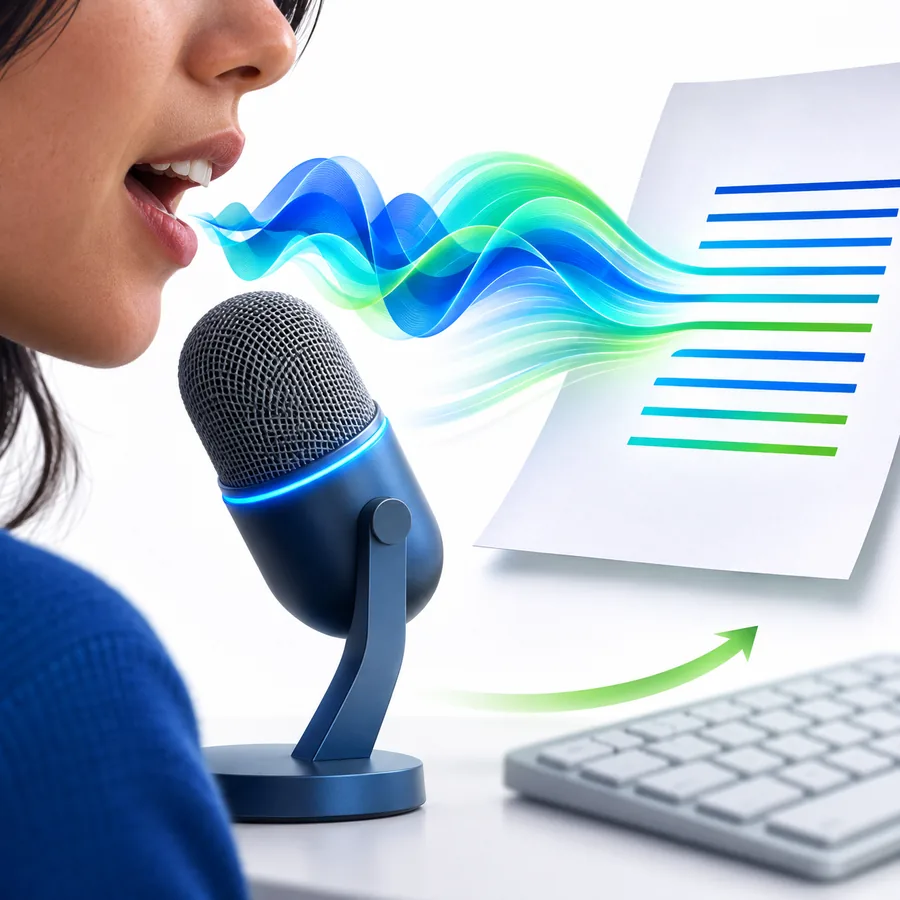
Start with an existing recording instead of asking the system to keep up with a conversation in progress. That makes this route useful for interviews, lectures, meetings, voice notes, and other captured material.
 Editable output
Step 2
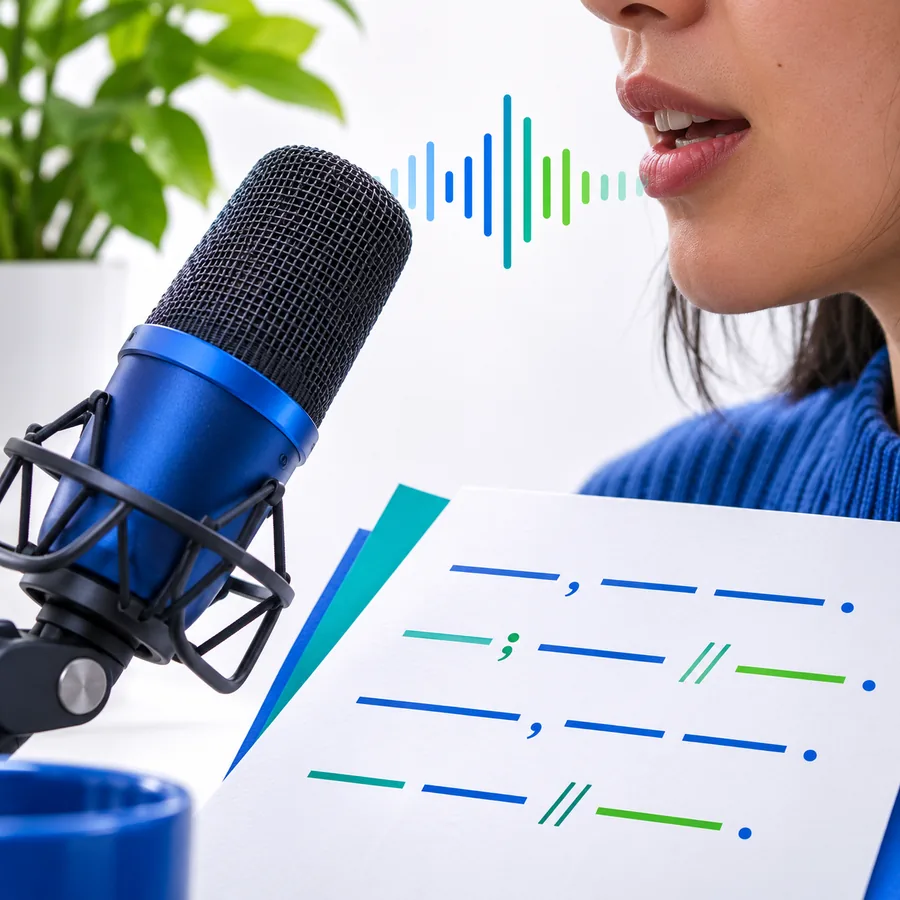
The result is a draft for reading and editing, not a final publication. You can correct names, remove repetition, clarify wording, and reshape the transcript for its intended audience.
 Review first
Step 3
Because the audio and text can be considered together, you can flag uncertain phrases instead of silently guessing. This matters when a name, number, quote, or technical term carries extra weight.
Simple workflow
A useful transcript begins with a clear purpose and ends with a human review. Keep the first pass focused, then adapt the text to the job it needs to do.
Decide whether you need a faithful transcript, cleaner notes, a summary, or a draft. Include that purpose in your instruction before processing the recording.
Describe the audio and identify anything that needs special attention, such as multiple speakers, unfamiliar names, technical vocabulary, or sections that may be unclear.
Read the result against the source, correct important details, and then format the text for its destination: notes, quotes, minutes, captions, or a working draft.
Set expectations
A transcript is a useful first pass, not proof that every word is correct. These caveats are easiest to manage when you plan the review before relying on the text.
Background noise, overlapping voices, distance from the microphone, and clipped recordings can make words difficult to distinguish.
What to do instead
Use the clearest source available and mark uncertain passages for replay rather than treating them as settled.
People, places, product names, acronyms, and technical vocabulary may be rendered phonetically or inconsistently.
What to do instead
Provide context where possible, then compare every important name or term with the recording or a trusted reference.
A conversation with interruptions or several voices may not divide cleanly into reliable speaker labels.
What to do instead
Identify speakers during your review and avoid presenting uncertain labels as definitive attribution.
Spoken language contains repetitions, false starts, unfinished sentences, and context that may not suit a reader-facing draft.
What to do instead
Treat the output as source material, then edit for structure, clarity, tone, and the needs of the final audience.
Starting prompts
These examples show how to state the intended result before you review the words. Keep the request specific about the recording, audience, and details that matter.
Transcribe this meeting recording, separate the speakers when possible, and flag names or decisions that need verification.
 Meetings
result
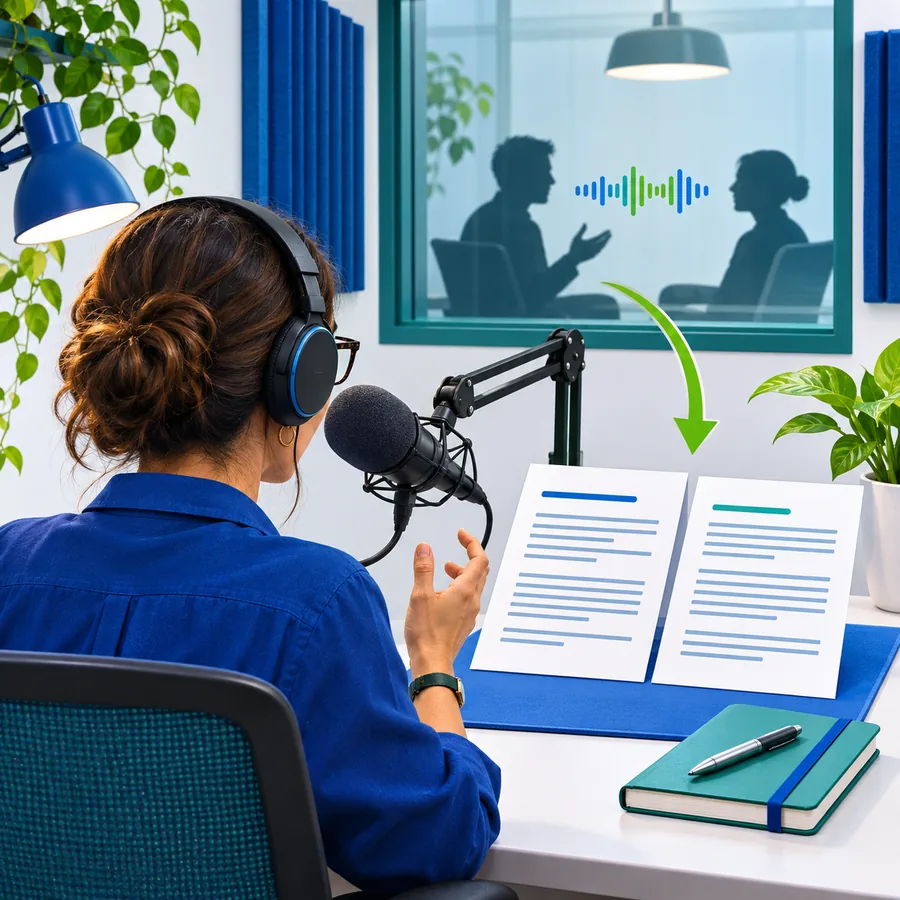
Transcribe this interview faithfully, preserve the speaker's wording, and mark unclear phrases instead of guessing.
 Interviews
result
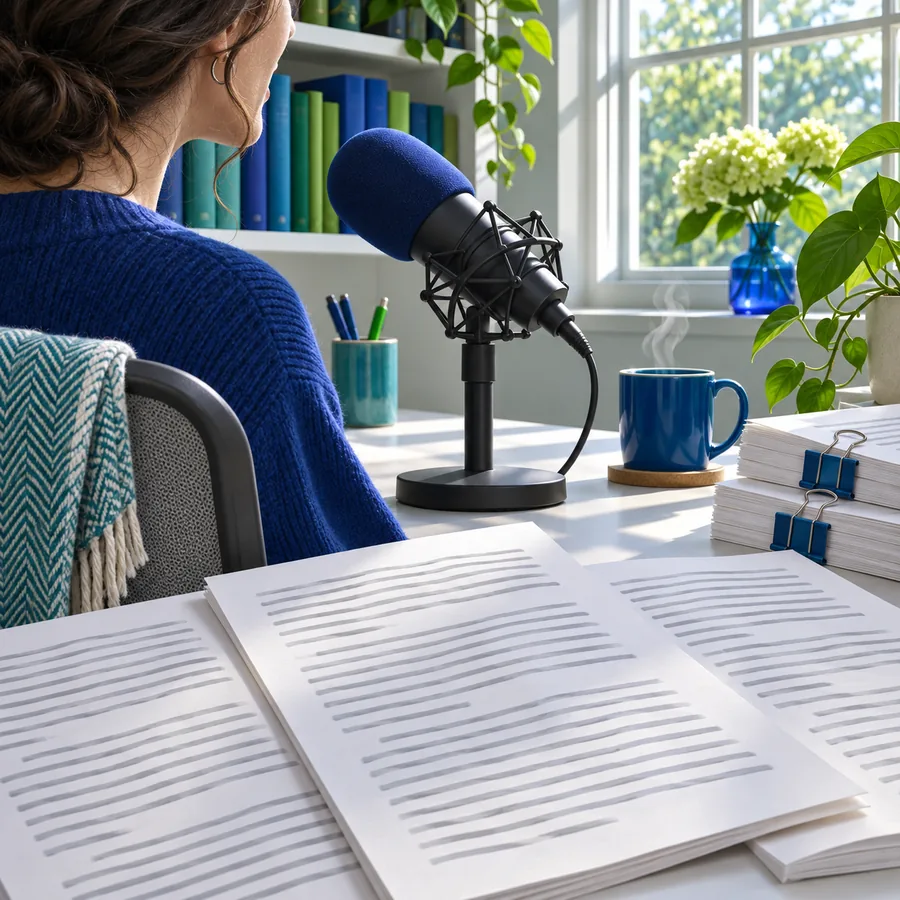
Transcribe this lecture, then organize the main ideas into readable study notes without adding information that was not spoken.
 Lectures
result
Adapt each prompt by naming the audience, the desired output, and the words or sections that deserve extra checking.
Review pattern
The numbers below describe a practical way to handle a transcript, not a promise that every recording will need the same amount of work.
Ready for the recording
Bring a recording and a clear instruction to the transcription workflow. Start with the source wording, review the details that matter, and then turn the result into the document your project needs.
Questions answered
A few practical answers can help you decide whether this route fits the recording and the result you need.
Speech to text transcription converts spoken audio into written text. It is most useful when you have a recording you want to read, search, review, edit, or turn into another document.
Transcription works from captured audio and gives you a result to review after the recording. Live speech to text is intended for words appearing while someone is speaking, such as during a meeting or lecture.
It is safer to treat a transcript as a first pass, especially when the audio contains noise, overlapping speakers, names, numbers, or specialist terms. Review important passages against the recording before publishing or making decisions from them.
You can use it as searchable notes, an interview draft, meeting material, study notes, captions source text, or the basis for a summary. The final shape still needs editing for accuracy, structure, and audience.