The lecture note-taker
You understand the lecture but cannot write quickly enough to capture definitions, examples, and important transitions.
Record the lesson, create a structured draft afterward, and compare it with the slides before studying.
Study smarter
Speech to text examples for students show how spoken ideas can become organized notes, summaries, and study materials without interrupting the learning process. Use these realistic workflows to move from classroom audio to useful text while keeping the student's own thinking at the center.
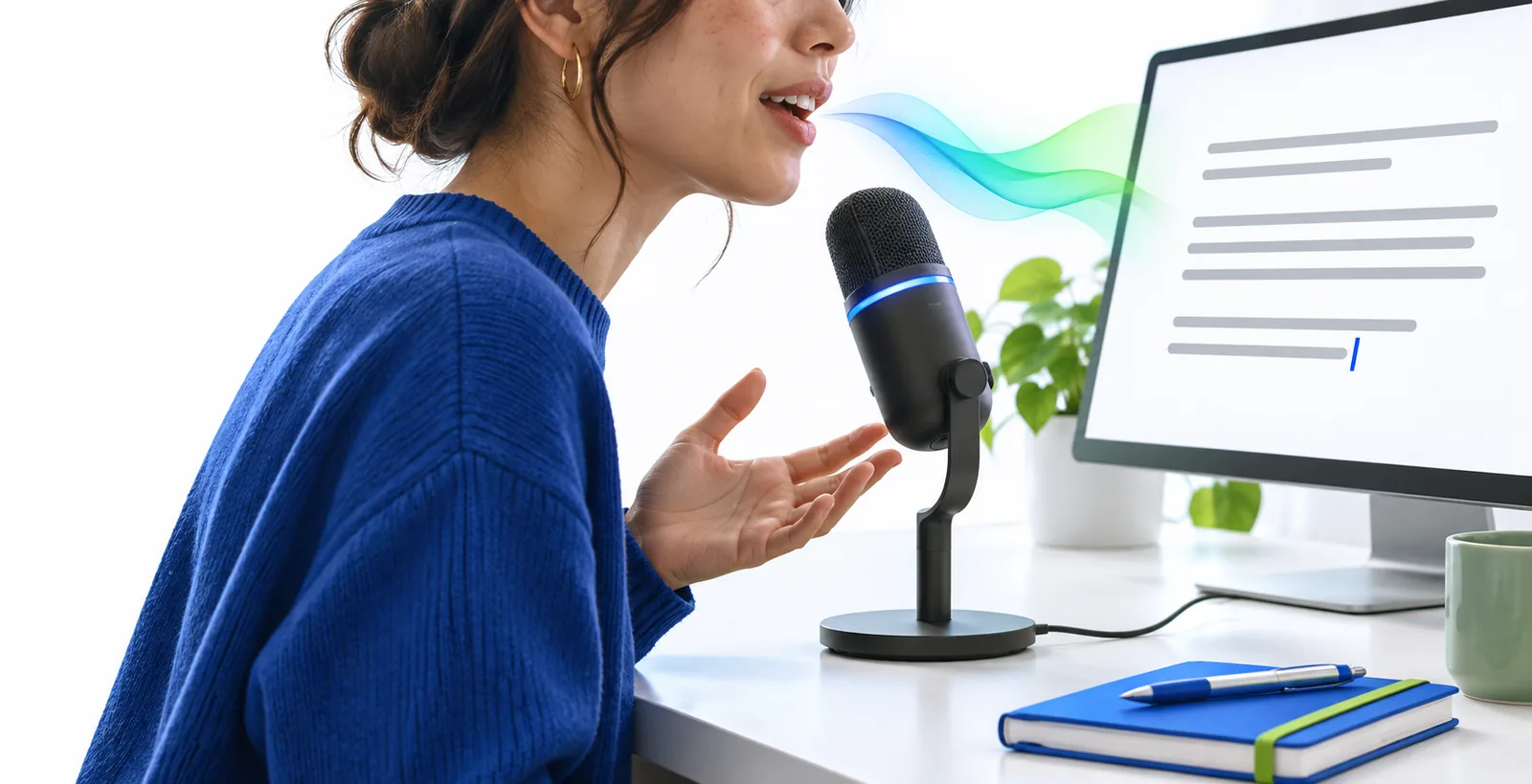
See the workflow
These examples pair a practical student prompt with the kind of focused result it should produce. Copy the prompt, then adapt the subject, lecture topic, or assignment requirements.
Turn this lecture recording into clear study notes with headings, key terms, examples, and a short list of questions to review.
 Notes
result
Summarize this spoken biology lesson in 180 words, using plain language and ending with five facts I should remember for the quiz.
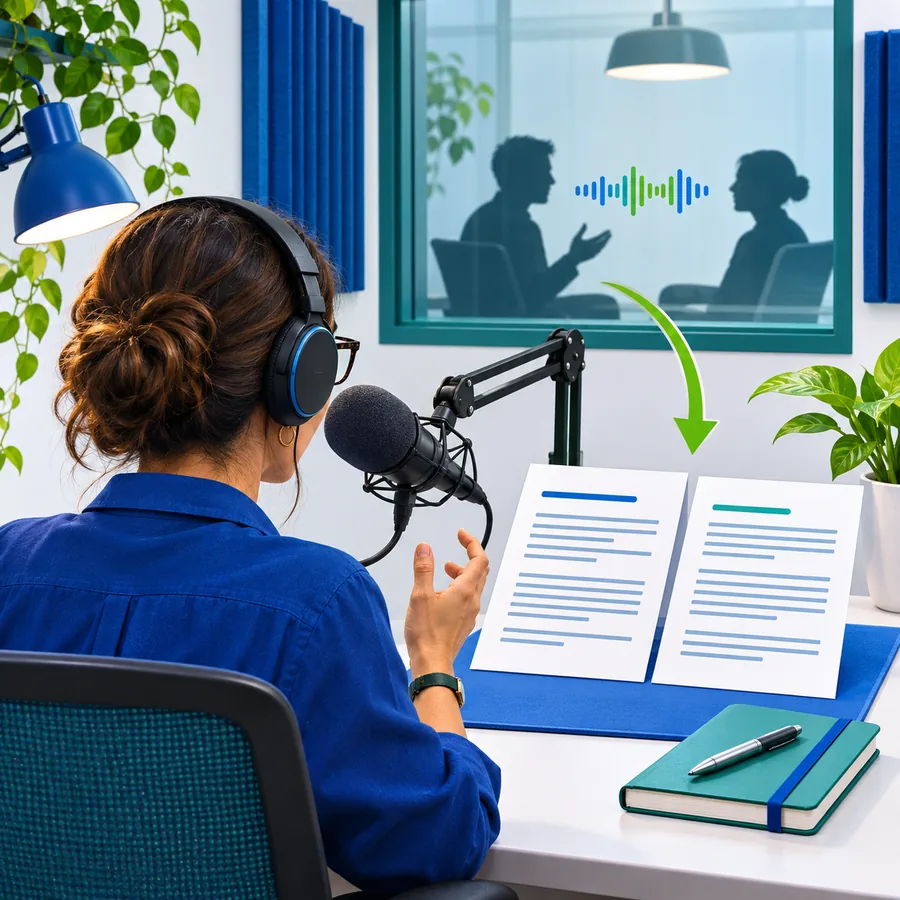 Review
result
Organize these spoken research ideas into an essay outline with a thesis, three supporting points, evidence to find, and a conclusion.
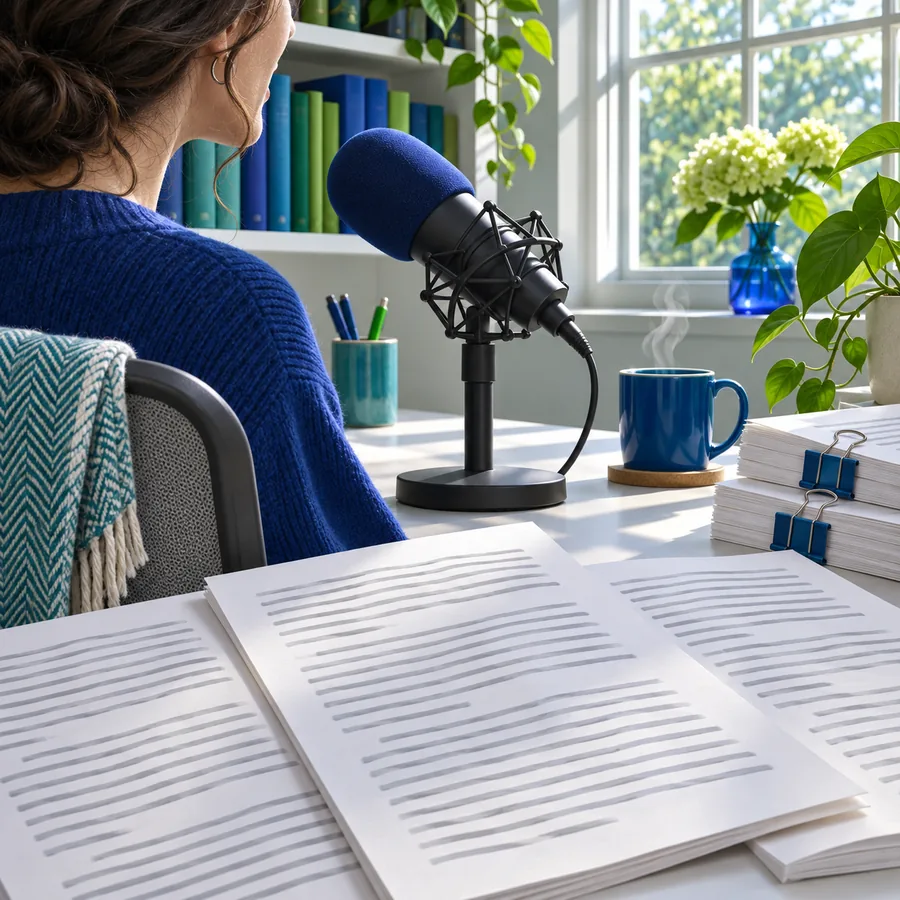 Writing
result
Transcribe this group project discussion, separate the speakers when clear, and list each agreed action item with its owner.
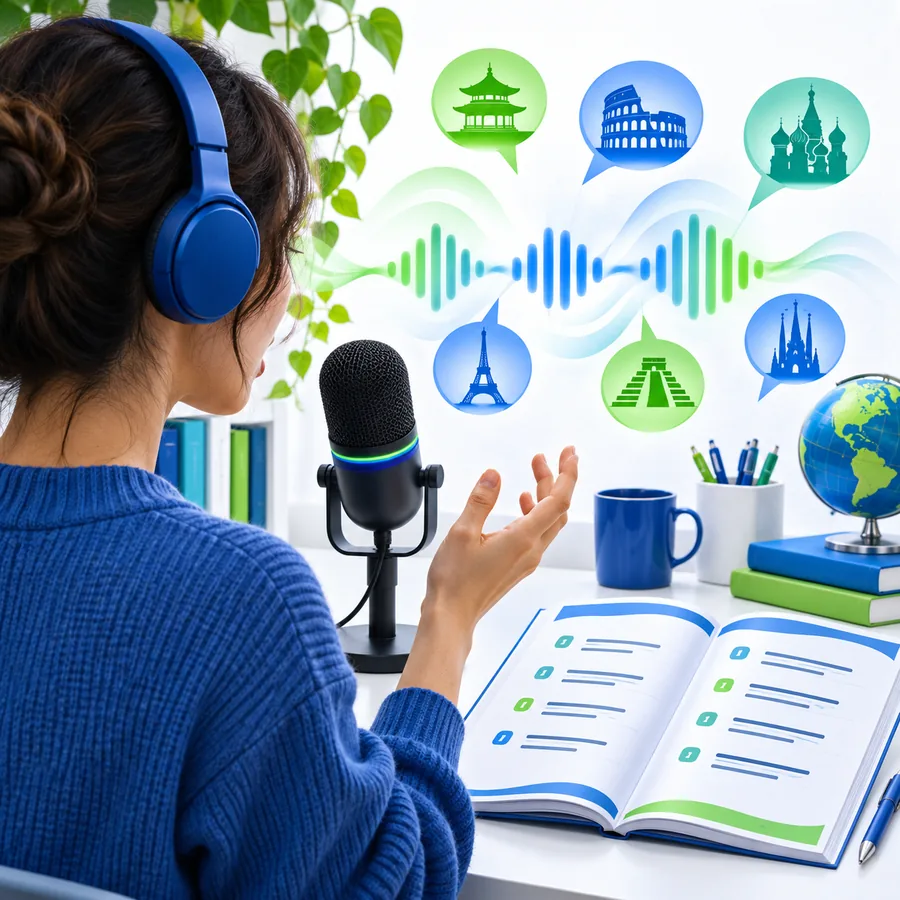 Collaboration
result
Change the subject, length, and structure in each prompt so the output matches the assignment rather than replacing your own judgment.
Four student situations
The best student use cases begin with a specific problem: capturing information, finding the main idea, planning written work, or remembering what a group decided.
You understand the lecture but cannot write quickly enough to capture definitions, examples, and important transitions.
Record the lesson, create a structured draft afterward, and compare it with the slides before studying.
Long handwritten notes or fast classroom discussion create an avoidable barrier to following the lesson.
Use spoken or recorded material as a starting point for readable notes, then adjust the formatting and wording to suit your needs.
An idea arrives while commuting, walking between classes, or reviewing material away from a laptop.
Capture the thought by voice and turn it into a searchable note before it disappears.
You have scattered spoken observations but need a clear structure before drafting an essay or presentation.
Convert the recording into themes, questions, and an outline that you can verify against your sources.
Continue exploring
Choose the format that matches where your study material starts and where you need the finished text to go.
Choose the right approach
A student workflow should match the material, the people involved, and the rules that apply to the course or institution.
Option 1
Use live dictation or a short voice note, then revise the text in your own words.
This keeps the tool focused on capture while the student remains responsible for the reasoning and final work.
Option 2
Check the instructor's or participants' permission first, then identify the recording and retain only what you need.
Consent, classroom policy, and personal-data rules can apply even when the transcript is used only for study.
Option 3
Verify names, quotations, figures, formulas, and citations against the original source before submitting.
Automatic speech recognition can mishear specialist terms, accents, overlapping speech, or technical details.
Before and after
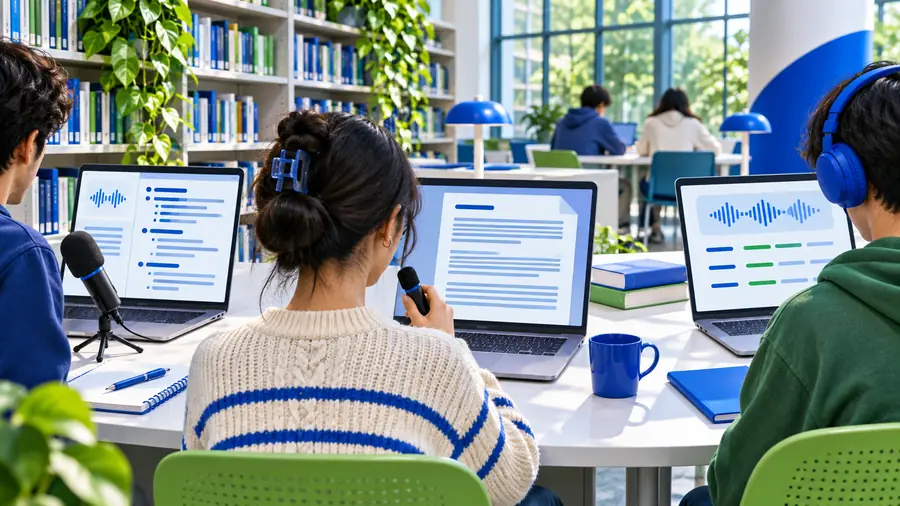
A raw voice capture can preserve the moment, but a checked and structured version is easier to study, search, and turn into an outline.
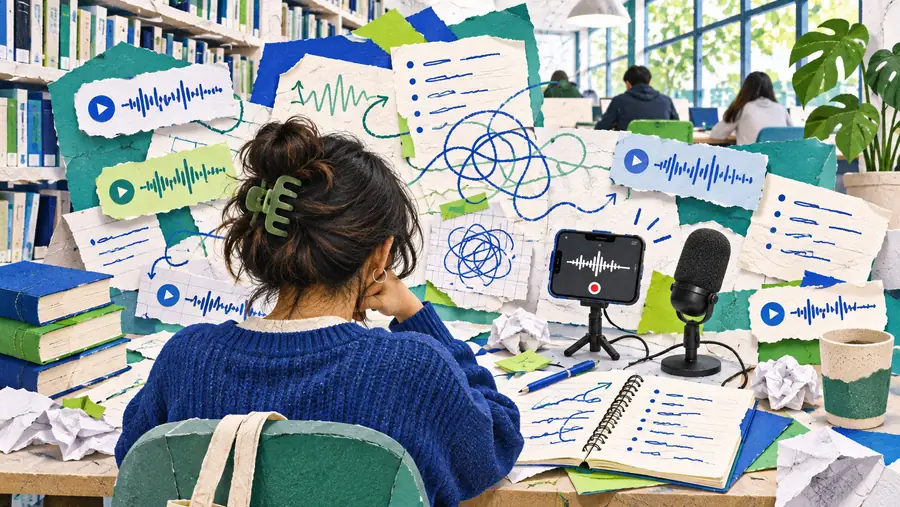
Raw capture
Treat the after version as a working draft: review accuracy, add sources, and keep your own interpretation visible.
Study-ready draft
Put it into practice
Start with one real assignment or lecture and a specific output, such as a 180-word summary, a list of review questions, or an essay outline. Speech To Text can help you turn spoken material into a draft you can check, edit, and make your own.
Student questions
Useful examples include turning a lecture into organized notes, converting a spoken lesson into a short study summary, capturing research ideas for an essay outline, and recording action items from a group project. The strongest workflow gives the tool a clear output and then checks the result.
Students can capture explanations, dictate questions, summarize recorded material, and create a first-pass revision sheet. The text should be reviewed against slides, books, or recordings so errors do not become study facts.
It can help students move from spoken ideas to a draft structure, including a thesis, supporting points, questions to research, or a presentation outline. It should support planning and revision rather than replace the student's analysis or final writing.
Students should ask for permission and follow the course, school, and local privacy rules before recording anyone else. Even with permission, keep the recording and transcript secure and use only the material needed for the stated study purpose.
Accuracy can vary with audio quality, background noise, accents, overlapping speakers, and specialist vocabulary. Treat the transcript as a draft and verify names, quotations, formulas, dates, and technical terms before relying on it.