Speech to text

Classroom workflow

Bring speech-to-text technology in the classroom to everyday lessons

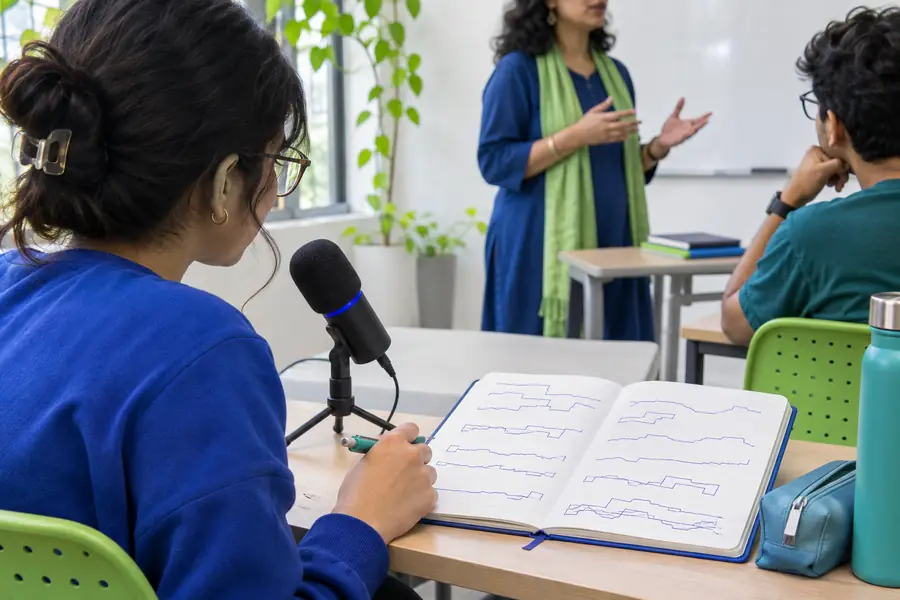
Speech-to-text technology in the classroom can turn spoken explanations, student ideas, and discussion notes into usable text. The goal is not to replace teaching; it is to make important language easier to capture, review, and act on.

Review before sharing

What to support

what this scenario must deliver

A classroom workflow needs to serve more than one person. These use cases focus on clear capture, practical review, and an output that can be checked by the teacher or learner.

Teacher

Capture a spoken mini-lesson or explanation while keeping attention on the room instead of a keyboard.

A searchable draft can be edited into a recap, handout, or follow-up prompt. For broader study workflows, see speech-to-text for students, which focuses on turning spoken work into usable learning material.
speech-to-text for students

Student

Record an idea during brainstorming, discussion, or revision without losing the thought while switching between apps.

The student receives a text draft to organize, verify, and adapt into notes or an assignment. The speech to text dyslexia guide explains how reducing transcription friction can support independent work.

speech to text dyslexia

Learning support staff

Provide a text companion for spoken instructions, classroom dialogue, or a guided activity when listening alone is not enough.

A reviewable transcript can make the next step more visible while preserving the teacher’s original explanation. The speech-to-text for students page offers a related approach for study and note-taking routines.

speech-to-text for students

A clearer handoff

each item

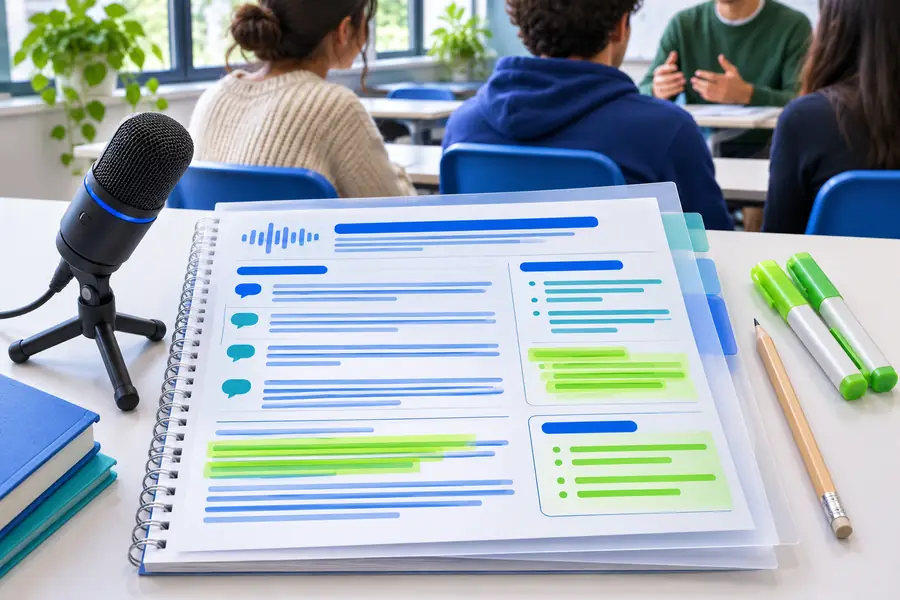
The useful transformation is not simply voice becoming words. It is a rough spoken moment becoming a draft that someone can review, correct, and use in the next classroom step.

Classroom speech-to-text workflow before editing
Spoken capture
Organized text draft from a classroom discussion
Reviewable draft

Keep the original meaning, then edit names, terminology, punctuation, and speaker changes before distributing the text.

Spoken captureReviewable draft

Practical workflow

quality bar

Each workflow should make the classroom task easier without hiding uncertainty. Status labels encourage a quick review before the text becomes part of a lesson record or student resource.

  • Capture
  • Review
  • Reuse
  • Teacher preparing a classroom recap
    Teacher review

    Lesson explanation to recap

    Capture a teacher’s explanation, then shape the draft into a short recap with key terms and a clear next step. The transcript is a starting point, not an automatic final handout.

    1. Capture the spoken explanation.
    2. Correct terminology and punctuation.
    3. Turn the draft into a recap or prompt.
    Create a lesson recap
  • Class discussion being converted into text
    Check speakers

    Discussion to participation record

    Use a spoken discussion as raw material for a participation summary or reflection prompt. Check speaker changes and avoid treating uncertain recognition as a confirmed student statement.

    1. Record or provide the discussion audio.
    2. Review names, speakers, and key claims.
    3. Share only the appropriate edited summary.
    Organize discussion notes
  • Student reviewing a spoken idea as text
    Student edit

    Student idea to working draft

    Give a learner a way to get ideas out before editing. A draft can then be reorganized into an outline, questions, or a first response while the student remains responsible for accuracy and authorship.

    1. Speak the idea in a quiet setting.
    2. Read back and correct the draft.
    3. Develop the final work from the checked text.
    Shape a student draft

How it works

common rework

The strongest classroom results come from treating transcription as a short workflow rather than a one-click answer. These three steps keep review visible and manageable.

  1. 1

    Capture the right moment

    Choose a focused explanation, discussion, or student idea. Reduce background noise where possible and tell participants when spoken material is being captured.

  2. 2

    Review for meaning

    Check names, subject vocabulary, punctuation, speaker changes, and any sentence that sounds uncertain. The teacher or learner remains the final reviewer.

  3. 3

    Reuse with purpose

    Convert the checked draft into notes, a recap, a reflection prompt, or a working outline. Remove material that does not belong in the final classroom resource.

Ready to test

Start with one contained task, such as a short explanation or brainstorming session. Use the resulting text as a draft, verify it carefully, and keep the final format aligned with the lesson’s purpose.

Make spoken classroom work easier to review

  • Begin with a focused classroom moment
  • Review before sharing or grading
  • Adapt the draft to the lesson goal
Create classroom notes

Scenario FAQ

scenario FAQ

It can capture spoken explanations, discussions, instructions, and student ideas as editable text. In practice, the text is most useful as a draft for notes, recaps, reflections, or planning rather than as an unreviewed final record.

A teacher can use it to create a rough record of a focused explanation or to capture ideas for a later recap. The teacher should review the result for terminology, names, punctuation, and anything that was not recognized clearly before sharing it.

Yes, it can give students another way to get ideas into a working document during brainstorming, discussion, or revision. Students still need to read, correct, organize, and take responsibility for the final work.

Check accuracy, speaker changes, names, subject-specific words, and whether the text includes material that should remain private. Also confirm that the format serves the lesson and that participants understand how the spoken material will be used.

Start voice typing
Start voice typing