Students
Turn a recorded lecture or study note into a draft they can scan before revising.
Key explanations become easier to find and organize. See the broader workflow for speech to text for students.
Audio conversion
An mp3 audio to text converter online free turns a spoken recording into readable text, so you can review ideas, search key moments, and reuse the content without replaying the entire file.

See the change
The input is an MP3 audio file and the output is written language. The comparison below shows how a recording can become a readable transcript.
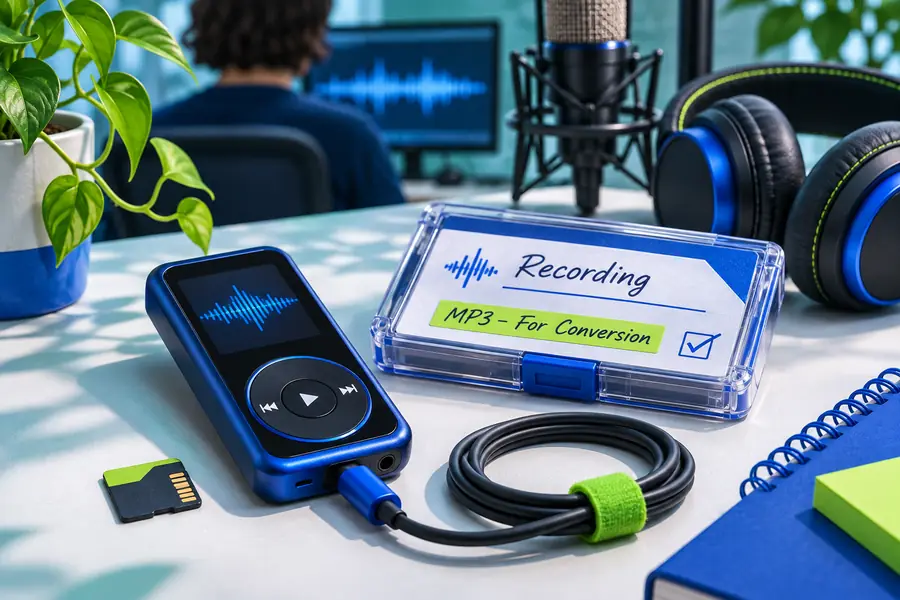
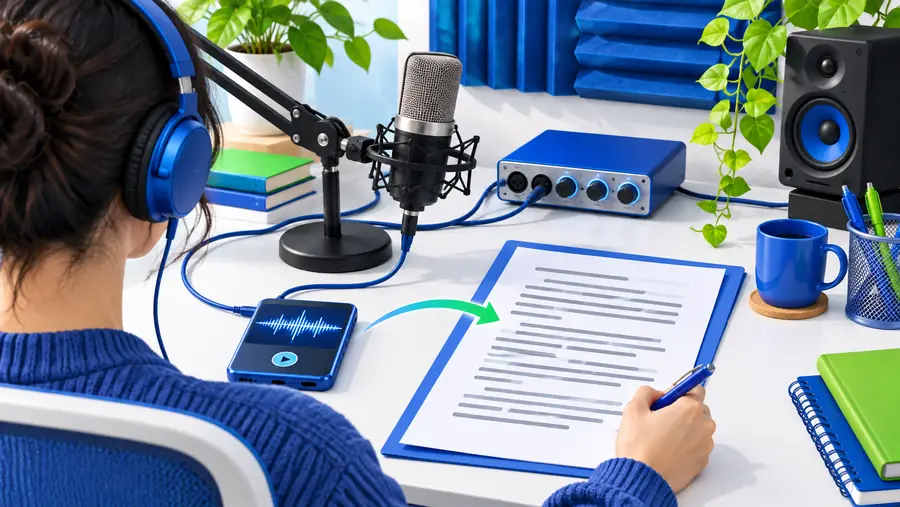
MP3 audio
Drag the divider to compare the source and result.
Text transcript
Choose your route
Different starting points suit different workflows, from a browser conversion to a live dictation session or a broader transcription process.
Input and output
A useful conversion workflow makes the source, transformation, and resulting text easy to understand before you begin.
| MP3 audio | Text transcript | |
|---|---|---|
| Role | Source recording | Written result |
| Content | Speech, pauses, and surrounding sound | Words arranged into readable passages |
| Best for | Interviews, lectures, meetings, and voice notes | Reviewing, searching, editing, and sharing |
| Starting action | Select or describe the MP3 recording | Check the generated wording |
| Main review | Listen for unclear or overlapping speech | Correct names, punctuation, and context |
| Useful handoff | Keep the original audio as reference | Copy the transcript into notes or a document |
Practical uses
An MP3 file can hold valuable information that is difficult to scan by ear. Converting it to text gives each audience a more workable starting point.
Turn a recorded lecture or study note into a draft they can scan before revising.
Key explanations become easier to find and organize. See the broader workflow for speech to text for students.
Convert an MP3 interview into a first-pass record before selecting quotes or themes.
The written version supports faster review while the original audio remains available for checking.
Process a meeting recording into notes that can be edited and circulated internally.
Participants can review decisions and follow-ups without searching through the entire recording.
Reuse spoken ideas from an MP3 voice note as an article outline, caption draft, or planning document.
A rough recording becomes editable source material for the next stage of production.
Result examples
These examples show the kind of transformation to look for when an audio source is turned into text: clear wording, useful structure, and an output ready for review.
 Voice note
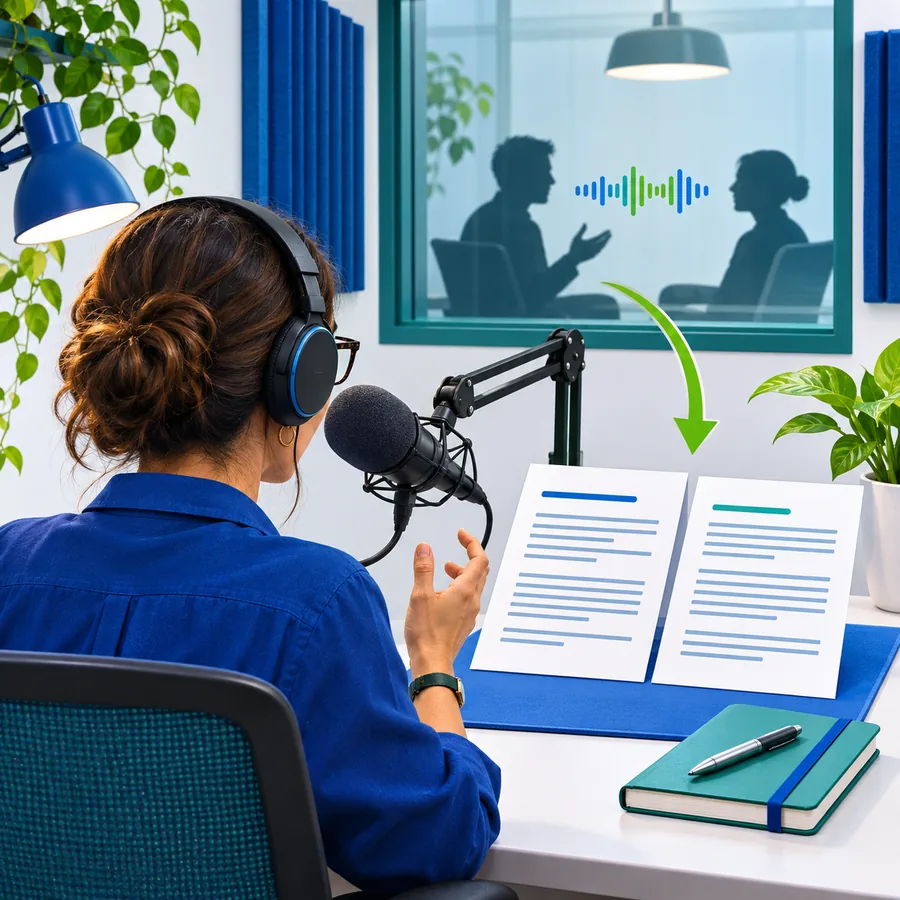 Meeting notes
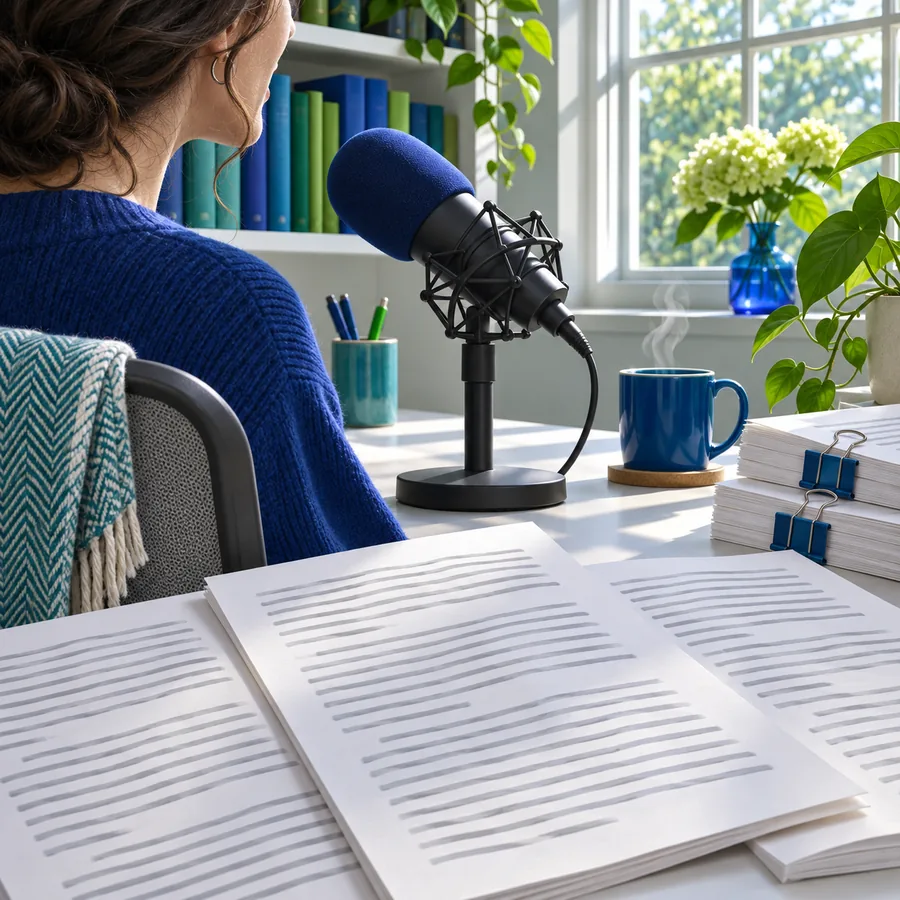 Lecture
Simple workflow
The process is straightforward: identify the source, request the transformation, then review the text against the recording before relying on it.
Select the recording or describe the audio you want converted, keeping the original file available for reference.
Send the conversion request and let the spoken material become an editable text draft.
Check names, numbers, punctuation, and any section where background noise or overlapping voices may affect accuracy.
Send a recording through the conversion workflow, then review the resulting text for the people and purpose that matter to you.
Common questions
Answers to common questions about turning an MP3 recording into written text.
It is a workflow that takes spoken content stored in an MP3 file and produces a written transcript. The result can then be reviewed, edited, searched, or reused in another document.
Yes, an online workflow lets you submit or describe the recording through a browser-based interface. You should still review the transcript against the original audio, especially when the recording includes noise, accents, or overlapping speakers.
Common uses include reviewing interviews, organizing lecture notes, capturing meeting discussions, and reworking voice notes into written drafts. The transcript is a starting point, so names, figures, and specialized terms may need correction.
Usually, it is better treated as a first draft rather than a final publication copy. Read through the text, restore missing punctuation, check speaker changes, and compare uncertain passages with the original recording.