Speech to text

Technology explained

How Speech-to-Text Technology Turns Sound Into Words

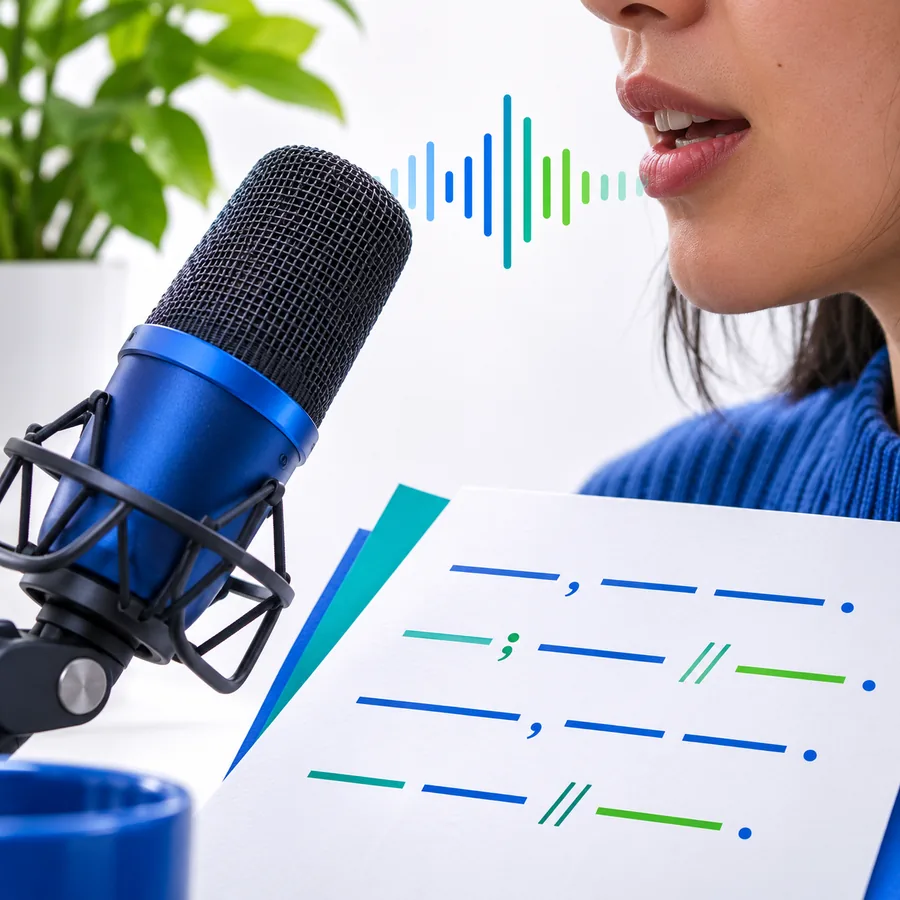
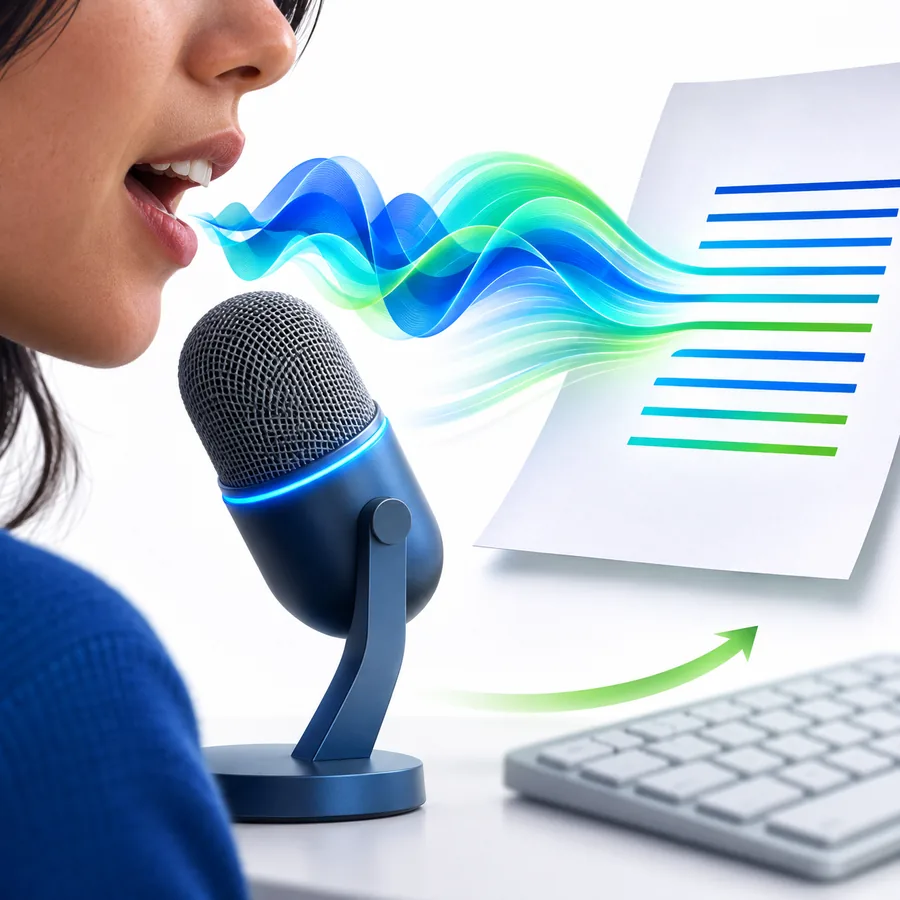
Speech-to-text technology converts spoken language into written output by analyzing an audio signal, recognizing language patterns, and assembling a readable transcript. This guide explains what happens between speaking and seeing text.

Illustration of speech being converted into written text

Core workflow

What It Actually Is

A speech-to-text system follows a sequence of signal processing, language analysis, and text formatting rather than simply copying sound.

  1. 1

    Capture the audio

    A microphone records speech as an audio signal. Cleaner sound gives the system more useful information to work with.

  2. 2

    Match sound to language

    The model compares patterns in the signal with learned pronunciations, words, and language context to estimate what was said.

  3. 3

    Build readable text

    The system assembles recognized words and may add punctuation, capitalization, speaker labels, or timestamps depending on the workflow.

Use it wisely

When Not to Use It

Speech recognition is useful, but it is not the right source of truth for every task or environment.

1

Noisy or distant recordings

Background music, traffic, room echo, and a quiet speaker can make words difficult to distinguish.

What to do instead

Move the microphone closer, reduce competing noise, or use a cleaner recording.

2

Multiple people speaking at once

Overlapping voices can produce missing words, merged phrases, or unreliable speaker attribution.

What to do instead

Record turn-taking clearly or review the transcript against the original audio.

3

High-stakes decisions

A transcript can mishear names, numbers, technical terms, or negations, so it should not be treated as automatic evidence.

What to do instead

Have a qualified person verify important passages before acting on them.

4

Confidential material without review

Sending sensitive audio to a service may create privacy, retention, or compliance concerns depending on the workflow.

What to do instead

Check the service policy and use an approved environment for restricted recordings.

How it evolved

From Dictation to Everyday Interfaces

The format developed through several stages, moving from narrow command systems toward language-aware recognition in ordinary devices and software.

  1. Early isolated-word systems

    Research systems could recognize a small, controlled vocabulary, usually from one speaker and with pauses between words.

  2. Larger vocabulary experiments

    More advanced systems expanded recognizable word sets, but they still relied on constrained speech and specialized equipment.

  3. Statistical modeling

    Statistical approaches improved the ability to estimate likely word sequences from continuous speech.

  4. Desktop and mobile dictation

    Improved processing and microphones brought voice input into office software, phones, accessibility tools, and call workflows.

  5. Neural language models

    Neural methods improved recognition across more accents, speaking styles, and contexts, while human review remains important for difficult audio.

Before you start

Requirements for a Useful Result

A successful speech-to-text workflow depends on a few practical conditions before the first word is captured.

Required Optional
  • A working microphone or an audio file with audible speech — The source must contain speech that can be separated from the background.

  • A language or locale that matches the speaker — Choosing the closest language setting helps with vocabulary and pronunciation patterns.

  • A reasonably quiet recording environment — Lower background noise generally gives the recognizer clearer acoustic information.

  • A clear purpose for the output — Decide whether you need notes, a searchable transcript, captions, or a draft.

  • A review pass for names, numbers, and specialist termsoptional — This is especially important when the transcript informs a decision or will be published.

Inside the process

Where the Technology Helps Most

The same recognition pipeline can support different workflows, but the final value depends on how the text is checked and used.

Person using voice input to create written notes Drafting

Step 1

Capture ideas without stopping to type

For notes, outlines, and first drafts, voice input can preserve the speaker’s train of thought while leaving refinement for later.

  • Useful for brainstorming and rough drafts
  • Keeps attention on the idea rather than the keyboard
  • Review wording before sharing
Recorded conversation represented as searchable text Reference

Step 2

Make recorded speech searchable

A transcript gives meetings, interviews, lectures, and voice memos a text layer that can be scanned, quoted, and organized.

  • Create a text reference from audio
  • Find key phrases more easily
  • Check important passages against the recording
Speech recognition supporting accessible written communication Accessibility

Step 3

Support access and participation

Captions and dictated text can help people follow spoken content or express ideas through an alternative input method.

  • Use captions alongside spoken content
  • Offer an alternative to keyboard entry
  • Treat automated text as a draft that may need correction

Try the workflow

Use Speech To Text when you need a practical first draft, searchable notes, or a written version of recorded speech. Start with clear audio and plan a quick review for details.

Turn Clear Speech Into Useful Text

  • Begin with a focused recording
  • Review names and numbers
  • Keep the original audio for reference
Try speech to text

Common questions

Speech-to-Text Technology FAQ

These answers cover the basic meaning, workflow, accuracy, and practical boundaries of the technology.

Speech-to-text technology analyzes spoken audio and produces written words from it. It uses acoustic signals and language patterns to estimate what a person said, often adding punctuation or formatting afterward.

A microphone or recording provides an audio signal that is divided into useful segments. The system compares those sound patterns with language models, selects likely words, and assembles them into a transcript.

No. Speech recognition identifies likely words, while language understanding involves interpreting intent, context, or meaning. A system may transcribe a sentence accurately without knowing whether it is a request, joke, warning, or important instruction.

Audio quality, background noise, distance from the microphone, accents, speaking speed, overlapping voices, and uncommon vocabulary all matter. Reviewing names, numbers, and technical terms is especially important.

It can reduce the time needed for many routine transcripts, but it does not remove the need for review in every situation. Human checking remains valuable for poor audio, sensitive content, multiple speakers, and publication-ready work.

Start voice typing
Start voice typing