The lecture listener
A student leaves class with scattered memories, partial notes, and several terms to look up.
A spoken recap becomes a structured review outline that is easier to check against course materials.
Student study support
Speech to text for students can make lectures, brainstorming, and revision easier to revisit. Capture a rough spoken draft, then shape it into notes you can actually study.

Where it helps
Speaking can remove the friction between understanding an idea and recording it. These common study situations show where a voice-first draft can fit.
A student leaves class with scattered memories, partial notes, and several terms to look up.
A spoken recap becomes a structured review outline that is easier to check against course materials.
An assignment is clear in conversation but difficult to begin in a blank document.
The student talks through a thesis, evidence, and counterpoint before editing the ideas into a plan.
A learner wants to test an explanation aloud instead of rereading the same paragraph.
A spoken explanation becomes a draft for comparing definitions, examples, and missing steps.
Team members discuss tasks quickly, but responsibilities are easy to forget after the meeting.
A voice capture can be cleaned into action items, questions, and a short follow-up list.
Choose a starting point
The best workflow depends on whether you are capturing information, developing your own thinking, or preparing a polished deliverable.
Option 1
Record a short recap in your own words, then organize it into topics and questions.
Recall is more useful when it is captured before details fade, but the result still needs checking against the source.
Option 2
Speak a rough outline with your claim, evidence, and next steps.
A spoken draft lowers the pressure of the blank page while preserving your natural reasoning for later editing.
Option 3
Use speech to text only for drafting, then proofread, cite sources, and follow the assignment format.
Transcription can accelerate composition, but academic quality depends on accuracy, attribution, and your own final judgment.
Three practical workflows
Each workflow starts with a focused spoken input and ends with a study artifact that still needs a student-led review.

After class, speak for two or three minutes about the main idea, unfamiliar terms, and questions you still have. Turn that rough capture into headings and a review checklist.
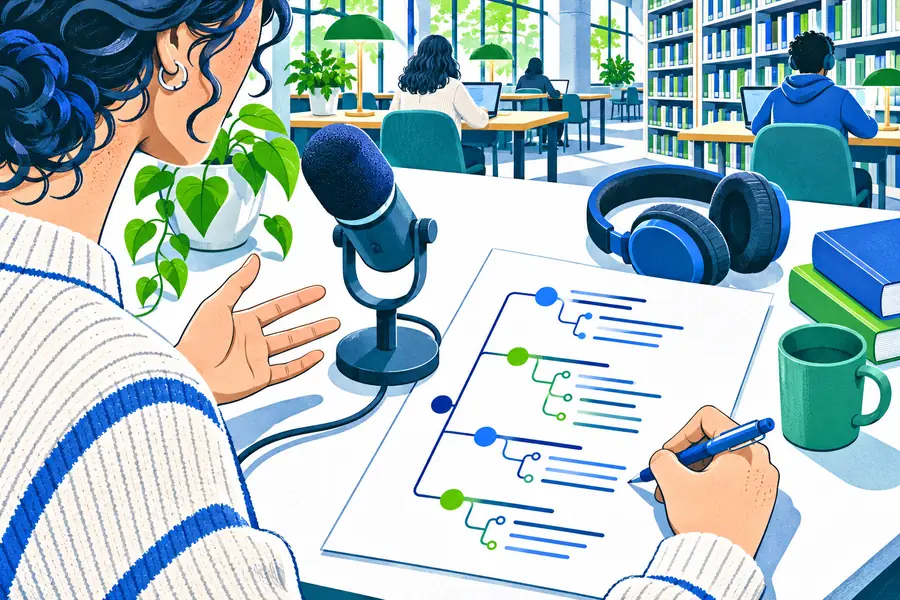
Talk through the assignment, possible claim, supporting examples, and the order you want to use. Keep the first version exploratory, then revise the outline before drafting paragraphs.

Explain a difficult concept aloud as if you were teaching it. Convert the capture into short questions and answers, then test yourself without looking at the original explanation.
Example output
A useful result is not a perfect transcript. It is a clearer starting point that preserves the student's meaning while making review and editing easier.
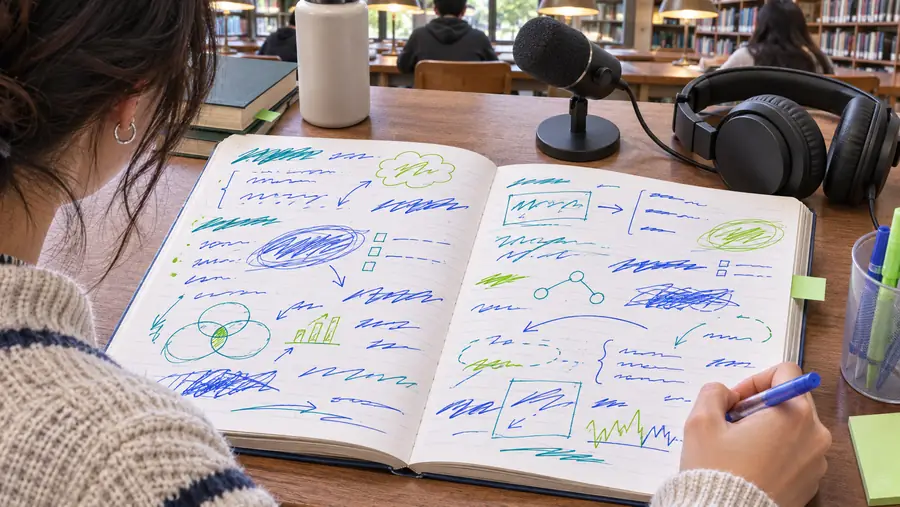

The student checks facts, wording, and sources before using the draft.
Spoken draftEdited study outlineHow to use it
Speech to text works best as a drafting aid inside a repeatable learning process, not as a replacement for reading, thinking, or proofreading.
Choose a narrow task such as recapping a lesson, planning an essay, or explaining one concept. Say the important terms in your own words.
Turn the spoken material into headings, questions, bullets, or an outline. Remove repetition and mark anything that needs verification.
Compare the draft with course sources, correct errors, add citations where required, and rewrite until the result reflects your understanding.
Before you begin
A voice draft can support learning while still requiring careful handling of personal information, course rules, and academic integrity expectations.
Know whether your instructor or institution permits transcription and assistive drafting tools. — Course-specific rules take priority.
Remove private details from recordings or prompts when they are not needed for the study task. — Avoid sharing classmates' names, grades, or confidential information.
Check names, terminology, quotations, and factual claims against the original source. — Speech recognition can mishear specialist language.
Keep citations and source notes separate from the rough spoken draft. — A transcript does not create attribution automatically.
Treat the output as a draft to edit rather than a final submission. — Your final work should reflect your own review and judgment.
Start with one task
Choose one lecture recap, outline, or explanation and speak it before you worry about perfect wording. Speech To Text can help turn that first pass into material you can sort, question, and improve.
Student questions
These answers focus on practical study use, accuracy, and responsible academic workflows.
Students can use it to capture lecture recaps, brainstorm essay ideas, explain difficult concepts, and turn spoken thoughts into editable study material. The result is usually a starting draft that should be reviewed and revised.
Yes, it can help with brainstorming, outlining, and creating a rough first draft from ideas spoken aloud. Students should still follow assignment rules, verify claims, add citations, and rewrite the work so it represents their own understanding.
Accuracy depends on audio quality, pronunciation, background noise, and specialist vocabulary. Students should compare the transcript or organized notes with slides, recordings, textbooks, or other authoritative course materials before relying on them.
Use it as a drafting and accessibility aid, protect private information, and check the policy for each course or institution. Do not submit unverified output as finished work or treat transcription as a substitute for learning the material.